
- Teleport - via the
tshCLI tool - no additional cost - Tailscale - as a shared device - recommended for users already using Tailscale
Teleport
Identity Providers
Teleport supports the following authentication providers- Google workspaces (Available)
- Okta (Contact us for setup)
- Github (Contact us for setup)
- Auth0 (Contact us for setup)
- and more!
tsh CLI installed on the machine that they want to access their cluster from by following these instructions.
Authentication example: Google
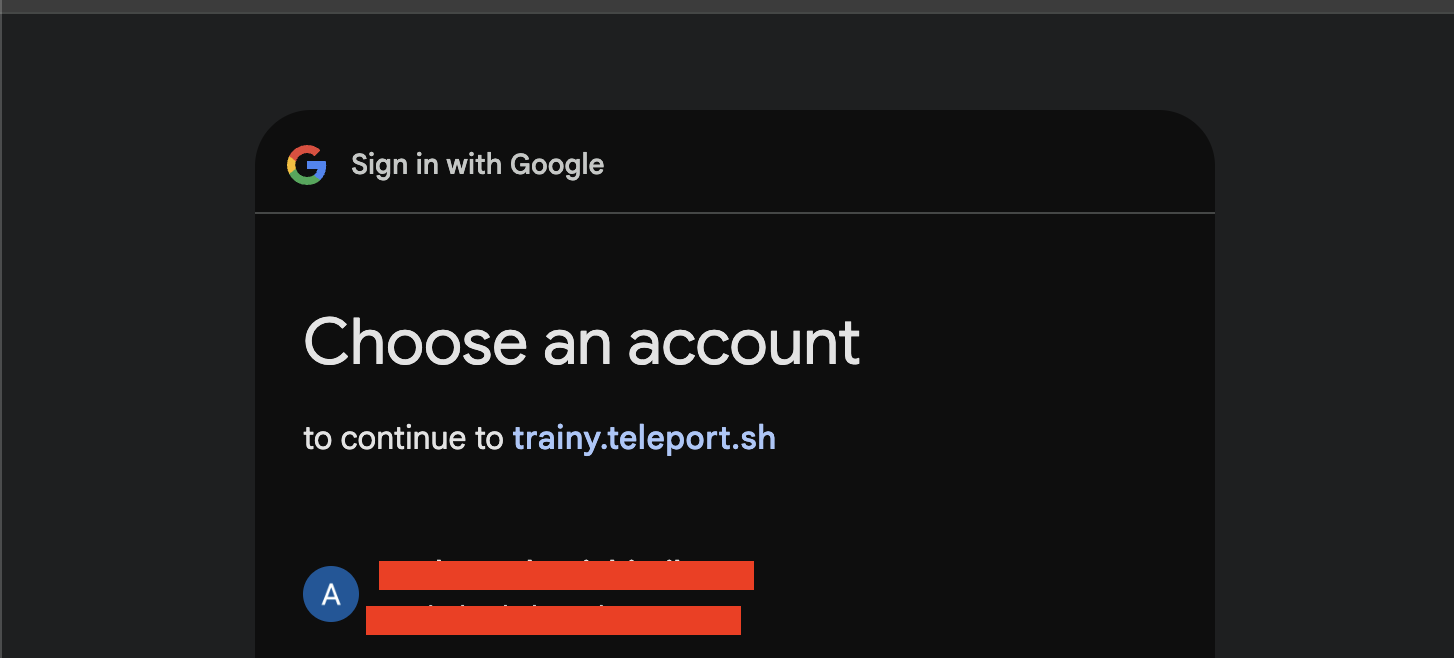
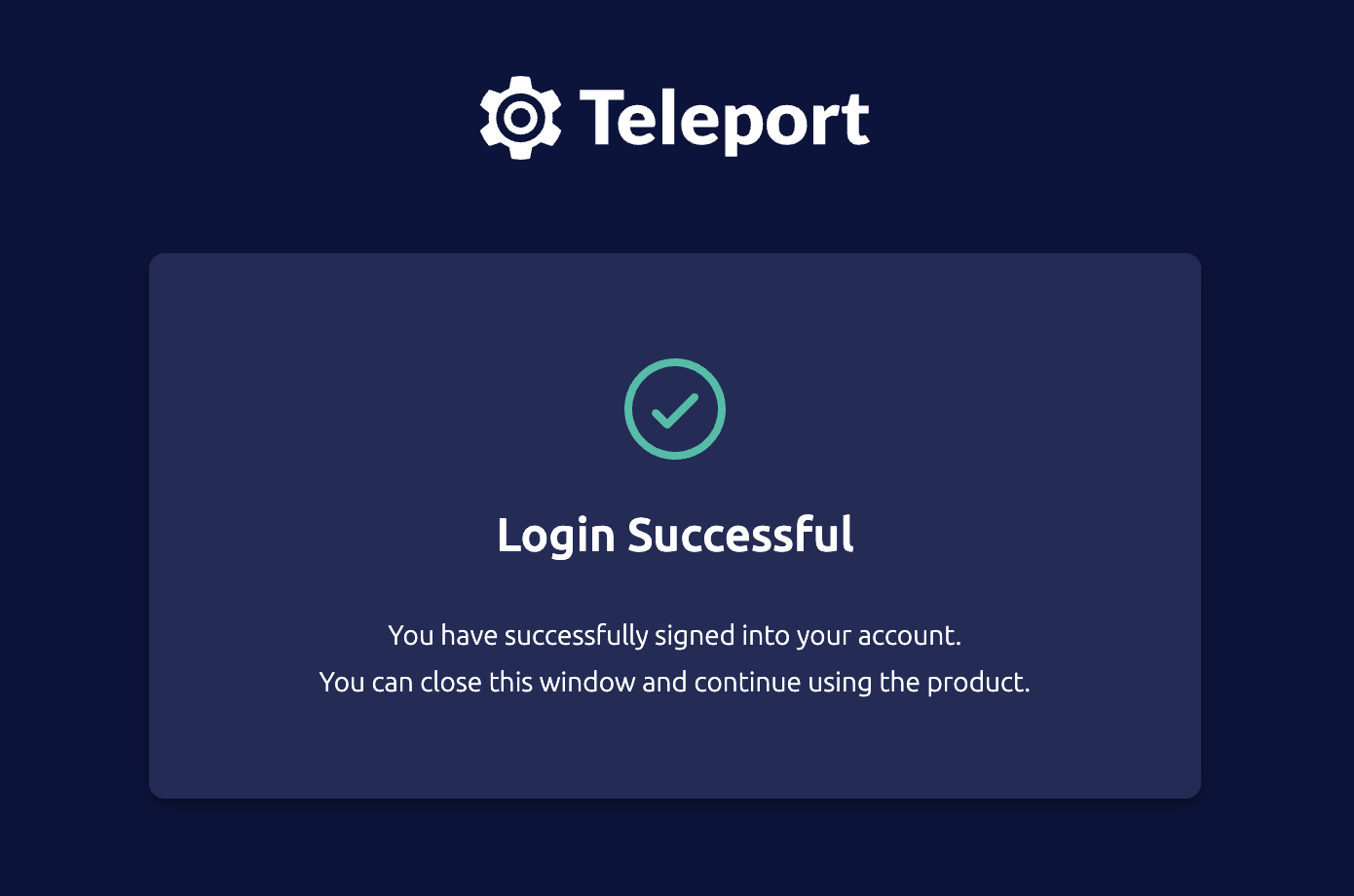
To authenticate, usetsh login . The following example uses Google as the identity provider but the identity provider can be changed by simply changing the --auth flag value. Upon running tsh login a browser window should open prompting the user to complete the auth flow, as shown below.
User isolation via namespace per user
Every user after authentication will have full access to the namespacedefault and a dedicated namespace that only they have access to based on their username they used to authenticate. For example if authenticated as myusername@myawesome.co , you can perform administrative actions in the trainy-myawesomeco-myusername namespace. We recommend organizations that have strict isolation requirements especially regarding isolation of secrets/credentials between users manage jobs in their dedeicated namespace.
Currently managing (listing/creating/deleting) has hard isolation between users with namespace isolation. That means another user cannot see another users job or delete it for them if the job is not launched in the shared access namespace
default . We are working to create an admin role for creating/deleting jobs as well as increased user scopes for simply listing other users jobs to understand cluster capacity.Tailscale
Your Trainy admin will create a shareable link that users can use to access their Trainy cluster. Afterwards users can usetailscale status to check their cluster status, and tailscale configure kubeconfig my-cluster to connect to the cluster.